

About You
Your mentors respond to what you write in an entry — but they respond better when they know the shape of your life around it. About You is a short note you write once: on the web in Settings → Preferences → About You, on your phone in Settings → Mentors → Tell your mentors about you. Share anything you’d want a wise mentor to know: your life situation, what you’re going through, what matters to you.e.g. “I’m a 30-year-old teacher going through a career change…”
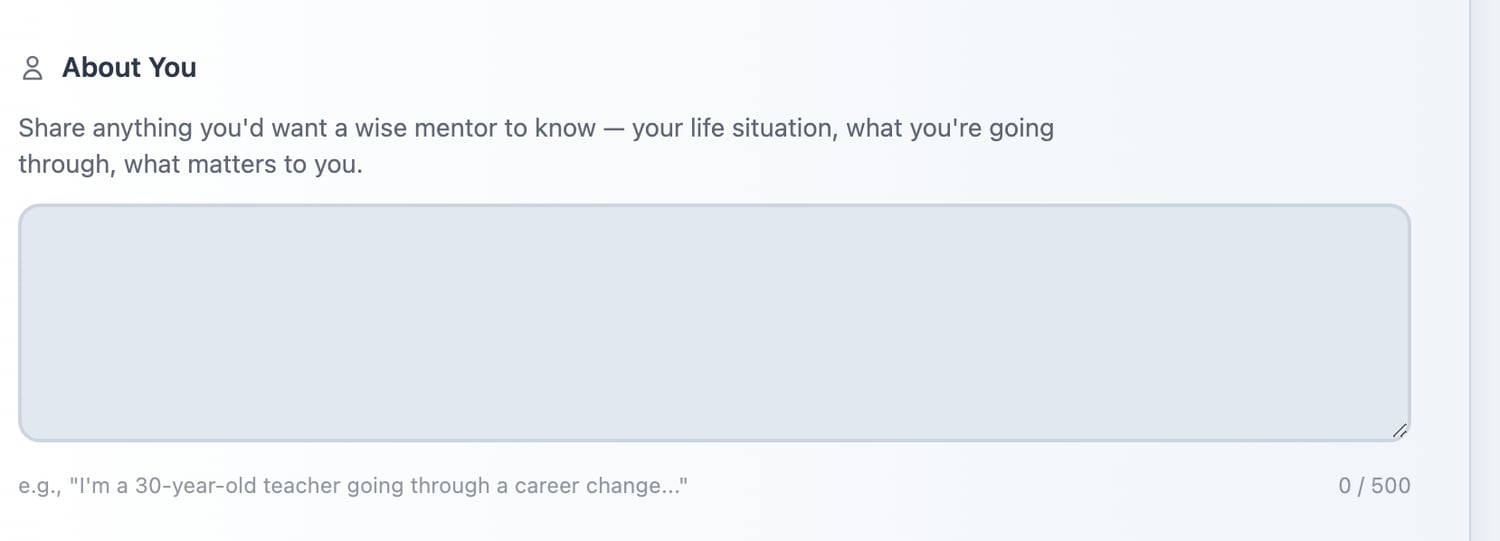
Settings → Preferences → About You
If you have an accessibility need, write it here. Life Note treats it as a hard constraint, not a preference — a mentor who knows you are blind will stop suggesting that you look at something.
Guidance Modes — the same wisdom, three tones
Your mentors can speak in different ways depending on what you need. The wisdom doesn’t change—but how it’s delivered does. Life Note offers three Guidance Modes. Each one shapes how your mentors respond to your journal entries and conversations.Where to find it: Settings → Mentors → Guidance Mode on your phone, Settings → Preferences → Guidance Mode on the web
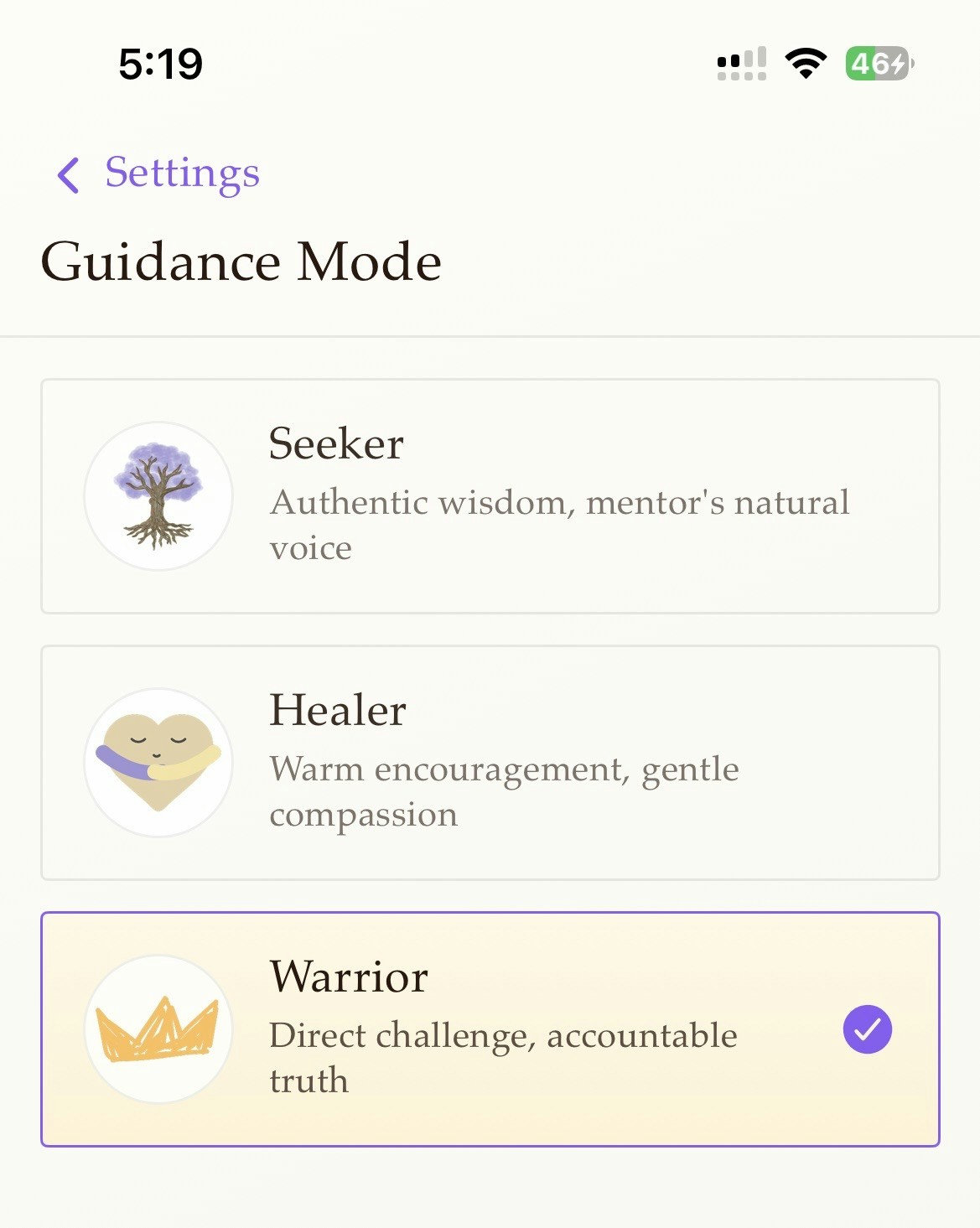
The three modes
Seeker
Authentic wisdom, mentor’s natural voiceThis is the default. Your mentors speak as themselves—with their characteristic style, metaphors, and emphasis. Marcus Aurelius sounds like Marcus Aurelius. Rumi sounds like Rumi.
Healer
Warm encouragement, gentle compassionWhen you’re hurting, sometimes you need tenderness first. Healer mode softens the delivery—more reassurance, more patience, more recognition that you’re doing the best you can.
Warrior
Direct challenge, accountable truthWhen you need a push or need to be held accountable. Warrior mode offers less hand-holding and more directness. The kind of truth that might sting—but might be exactly what you need to hear.
When to use each mode
There’s no “right” mode. Different moments call for different approaches. Seeker works well for:- Everyday journaling
- Exploring ideas without a specific emotional need
- When you want the authentic voice of your mentor
- Processing grief or loss
- Moments of self-doubt
- When you’re exhausted and need kindness first
- Recovery from failure
- When you’re stuck in avoidance
- Making difficult decisions you’ve been postponing
- Breaking patterns you know aren’t serving you
- When comfort has become a trap
Switching modes
1
Open Settings
Tap the profile icon, then Settings
2
Select Guidance Mode
Under Mentors, tap Guidance Mode. You’ll see all three options with descriptions
3
Tap to select
Your choice is saved immediately